
JournalFlow · Inventory / Cost of Goods Sold
Turn recurring COGS reports into balanced Xero manual journals.
JournalFlow can use recurring inventory and cost reports, including Optimum Control report formats, to create the agreed manual journal in Xero.
Show us a COGS reportSee related files combined
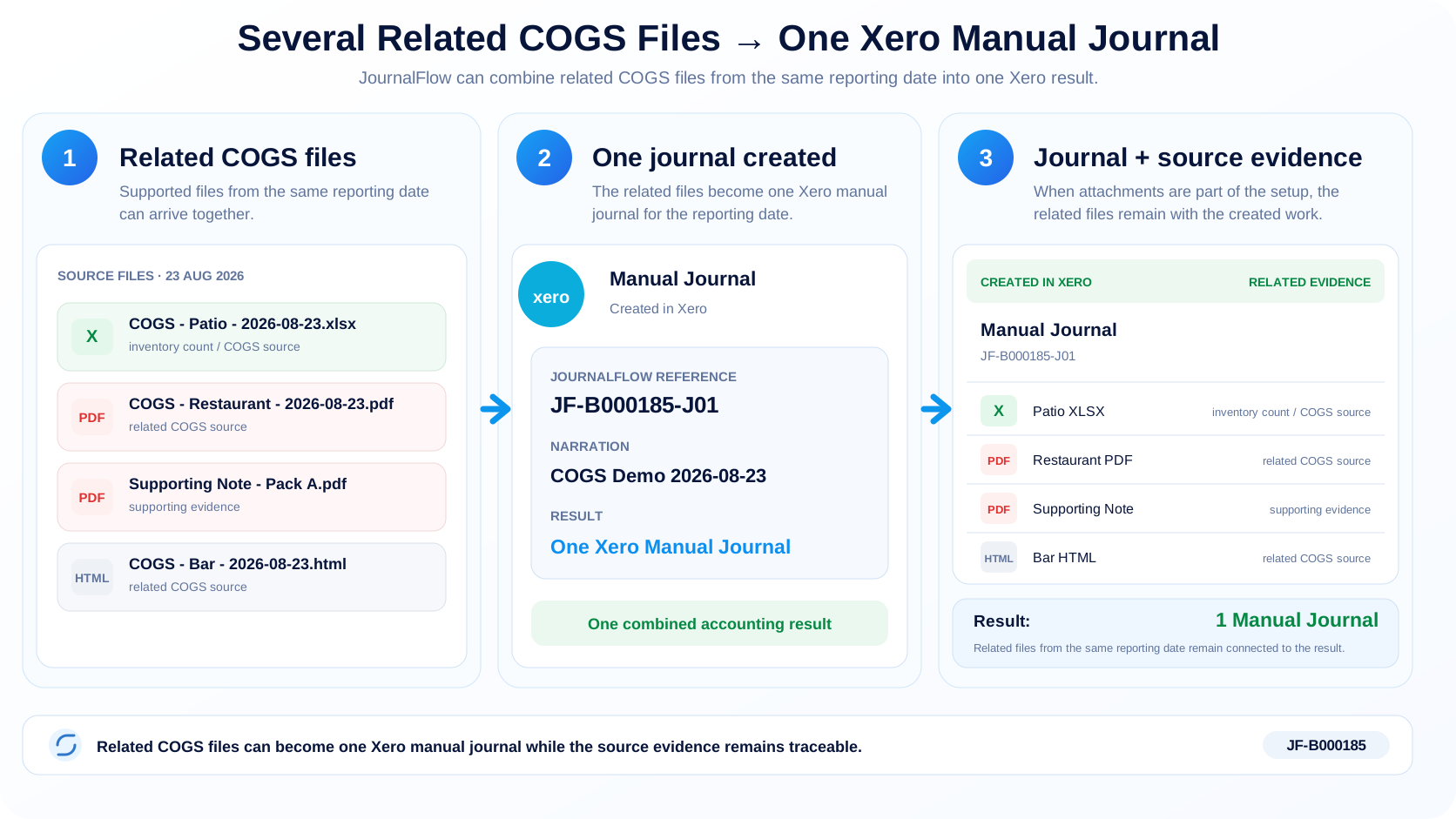
Several related files can become one journal.
This demonstration is based on the structure of a real Optimum Control Sales Mix - Category Summary report, rebuilt with synthetic restaurant names and figures. In this COGS setup, related files from the same date can be combined into one balanced Xero Manual Journal.
What JournalFlow does
Use the numbers you already prepare.
The source report does not need to look like the final journal. JournalFlow can use the agreed setup to build the debit and credit lines required in Xero.
- Create balanced debit and credit lines
- Use different source values for different accounts
- Combine related files when the setup calls for it
- Keep unrelated reports or different dates separate
Start with a real report
Still building COGS journals manually?
Show Swift the inventory, COGS or Sales Mix report you work from and the Xero Manual Journal you create today.